The two generations are put in pairing mode in different ways. A switch with ZB is started with four quick presses. A switch without ZB is started by holding for ten seconds: two buttons on a switch with four buttons, the one button on a Shelly BLU Button Tough 1.
| Switch | Start pairing | Dimming | |
|---|---|---|---|
| With ZB | |||
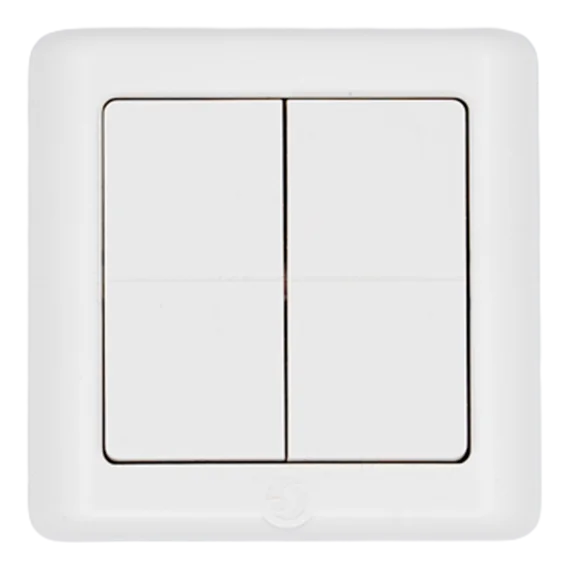 | Shelly BLU Wall Switch 4 ZB DK 4 buttons | Press any button four times quickly — or hold two buttons for ten seconds. The red LED gives a short blink every two seconds. | Yes — hold a button |
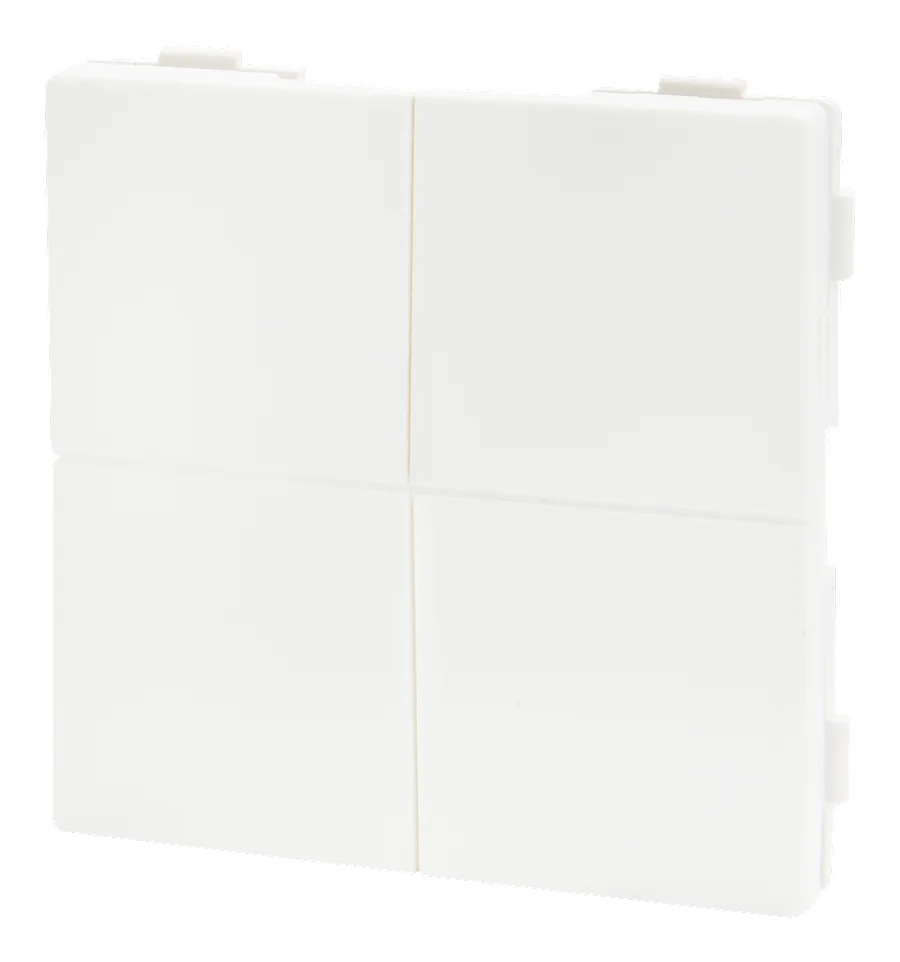 | Shelly BLU Wall Switch 4 ZB 4 buttons | Press any button four times quickly — or hold two buttons for ten seconds. The red LED gives a short blink every two seconds. | Yes — hold a button |
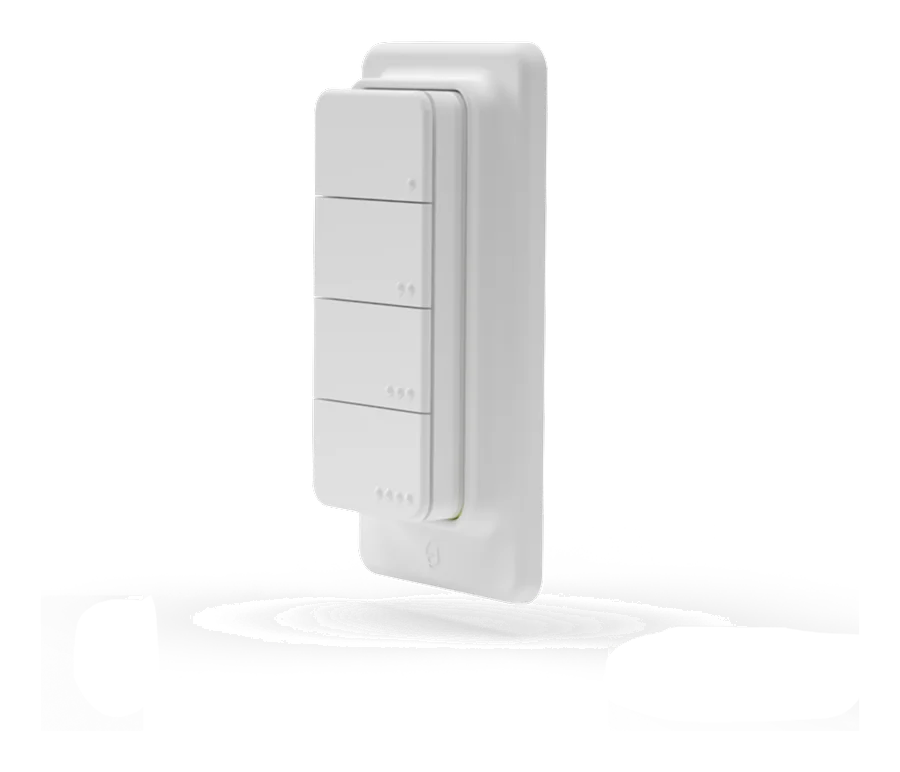 | Shelly BLU RC Button 4 ZB 4 buttons | Press any button four times quickly — or hold two buttons for ten seconds. The LED blinks blue. | Yes — hold a button |
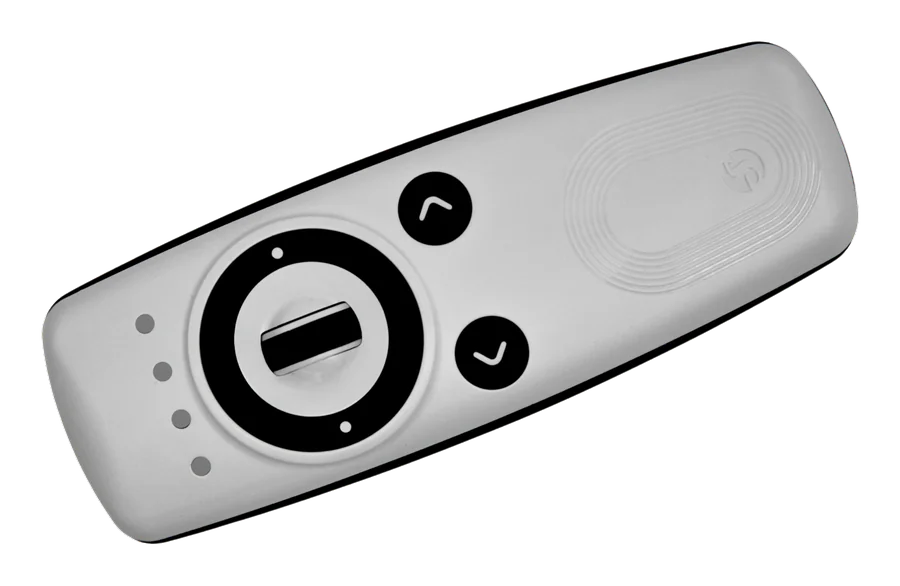 | Shelly BLU Remote Control ZB 2 buttons and a wheel | Press one of the two buttons four times quickly. The LEDs flash from left to right. | Yes — with the wheel |
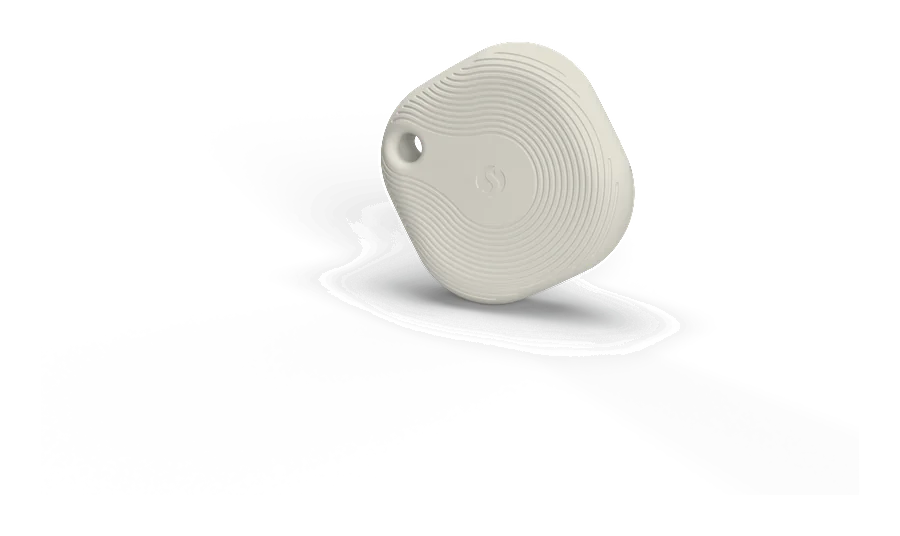 | Shelly BLU Button Tough 1 ZB 1 button | Press the button four times quickly — or hold it for ten seconds and let go at the tone. The switch plays a melody when pairing starts. | No — on and off only |
| Without ZB | |||
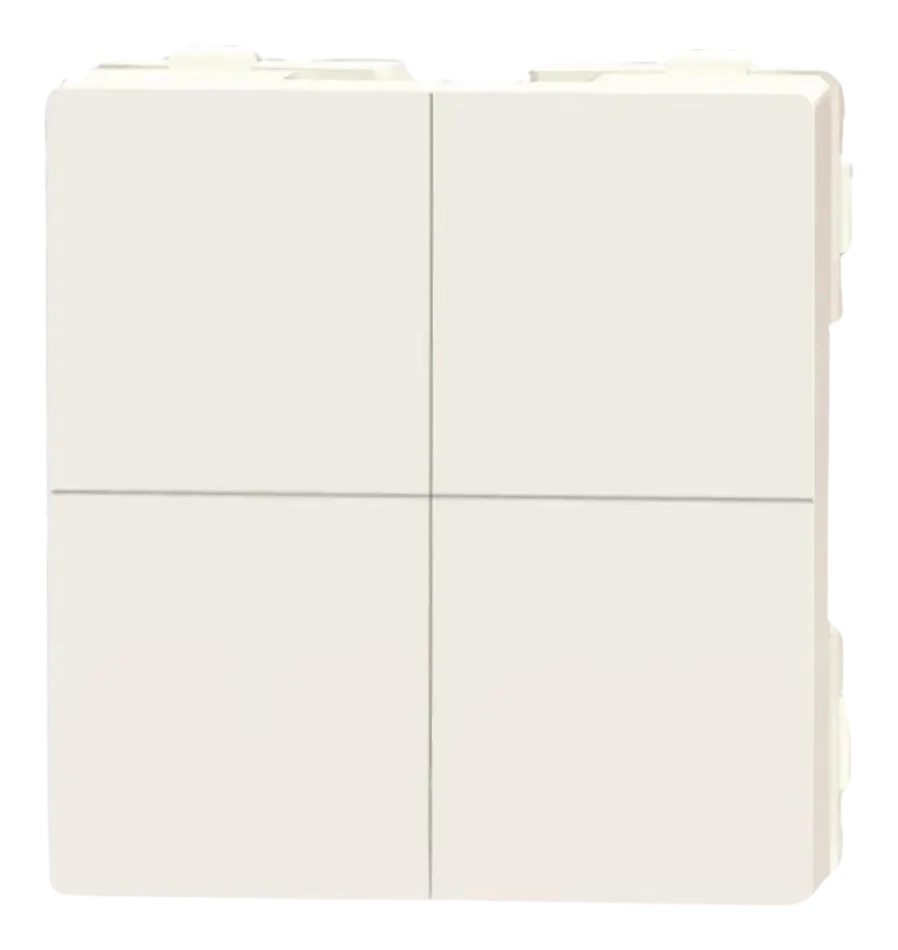 | Shelly BLU Wall Switch 4 4 buttons | Hold any two buttons at the same time for ten seconds. | Yes — hold a button. Update the switch first: needs switch firmware 1.0.23 |
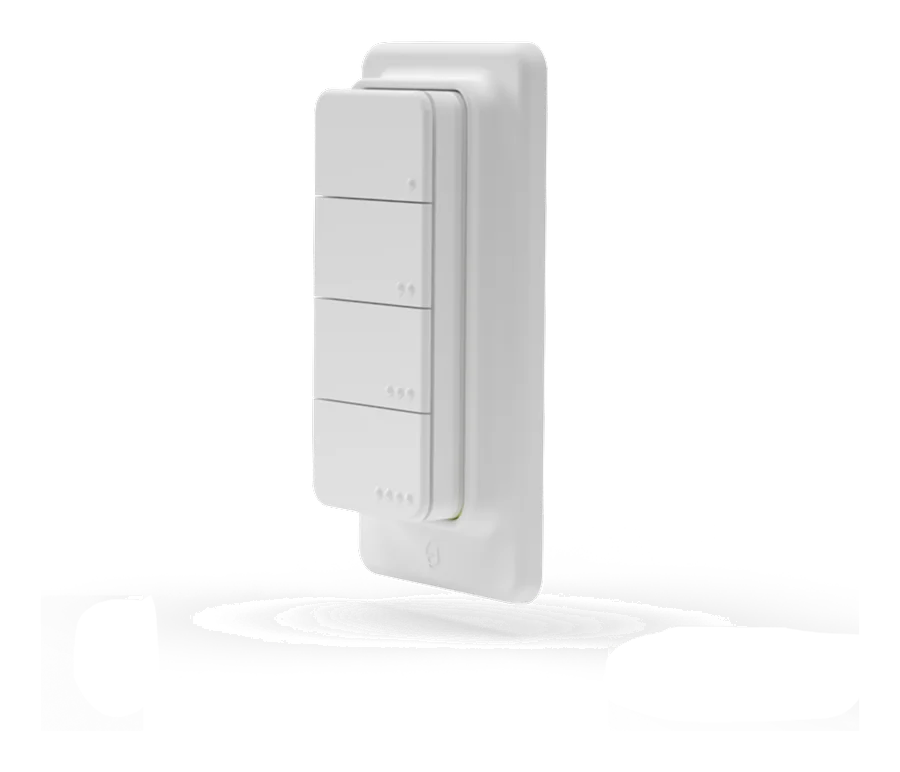 | Shelly BLU RC Button 4 4 buttons | Hold any two buttons at the same time for ten seconds. The LED blinks blue. | Yes — hold a button. Update the switch first: needs switch firmware 1.0.23 |
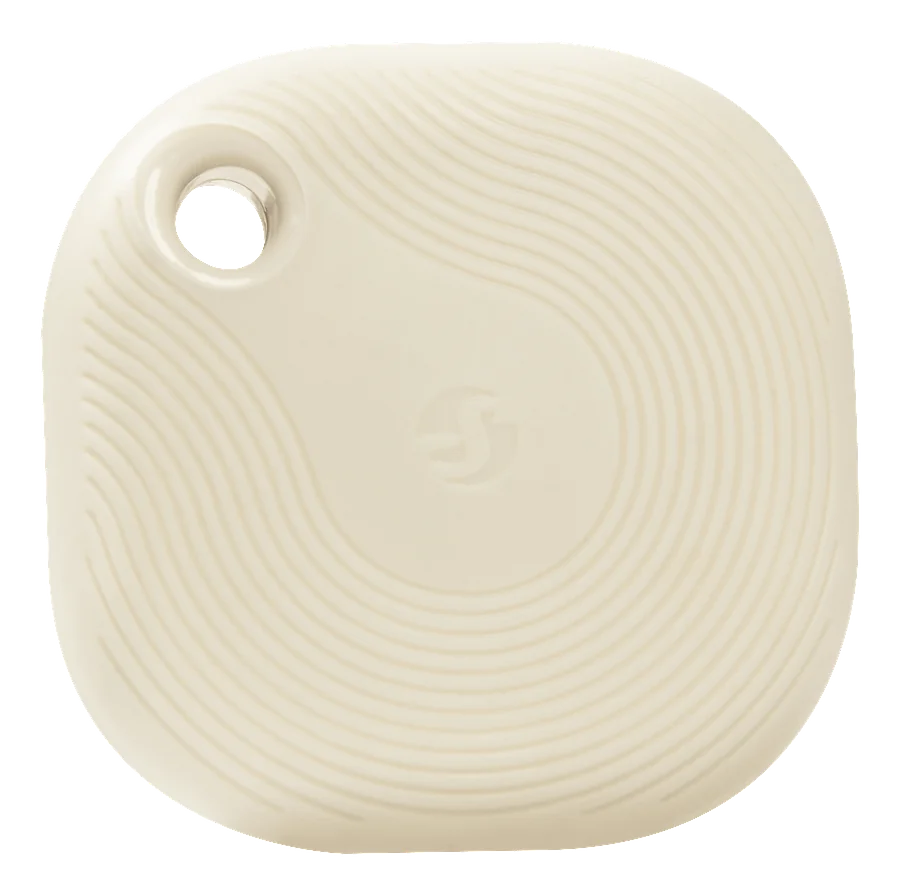 | Shelly BLU Button Tough 1 1 button | Hold the button down for ten seconds, then let go. Four quick presses do not work on this version. The switch plays a melody when pairing starts. | No — on and off only |