- Home
- Installations
- Building new with Shelly
Building new with Shelly
Building new, or renovating? These are the solutions we would choose ourselves if we were building a new house.
Build in three layers
A smart home has to be a home that simply works first. Think of the installation in three layers, and you never end up with a house that depends on an app.
- The basic installation must always work Wired push-buttons switch and dim directly on the device – also when the internet is down.
- The app ties it together Shelly Smart Control adds schedules, scenes, automations and notifications on your phone. No gateway needed.
- Option for third-party integration Shelly can be connected to Home Assistant and other platforms. That is a choice you make yourself – the basic installation must never depend on it.
Explore the house
Pick a number in the house – or a solution from the list below.
0Foundation
Start with the foundation: network and board
Before you choose a single Shelly device, get the infrastructure right. Good Wi-Fi is not only for the smart devices – it is for the TV, computers and tablets every single day. We recommend UniFi from Ubiquiti, with wired access points in the ceiling.
Modern energy-efficient glazing blocks almost all signal. If you ever want to control outdoor lighting, a gate or cameras, prepare for one or two outdoor access points from the start.
- 80–100 m²per access point – and at least one per floorUbiquiti states about 140 m² in open space for a UniFi U7 Pro. Walls and floors eat signal, so plan conservatively.
- Max. 50devices per access pointThe data sheet says more than 300. Stay around 50 and everything has room to respond instantly.
- 2.4 GHzhas to cover the whole houseMost Shelly devices use 2.4 GHz. We recommend setting up a separate 2.4 GHz network for the IoT devices.
Prepare during the build
- Network cable (PoE) to the ceiling, centrally on each floor
- Network cable for one or two outdoor access points
- A network socket at the distribution board – most Shelly Pro devices can be connected by cable
- Plenty of space on the DIN rails in the board
- Deep back boxes and a neutral at every switch
1Lighting
Lighting that looks after itself
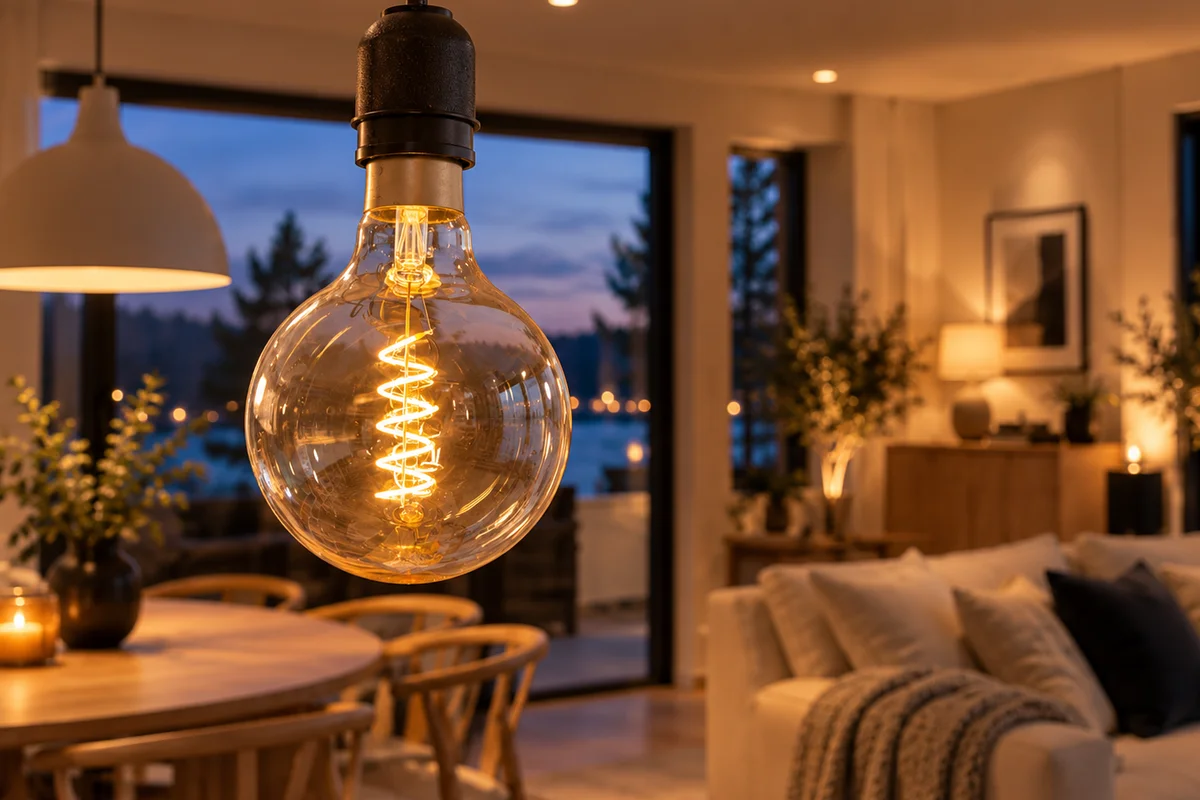
Downlights, pendants, outdoor lights and any other 230 V lighting. The button on the wall works the way it always has – the house takes care of the rest.
If you choose a flush-mounted dimmer, think about where it sits so you can get to it again: in a box in the ceiling, at the lamp outlet or behind the push-button.
What you get
- Automatic night dimming
- Weekly schedule
- On and off at sunrise and sunset
- Light that comes on when a door opens or someone walks in
Prepare during the build
- Decide for each lighting group: dimmer in the box or on the DIN rail in the board
- An accessible box at every flush-mounted dimmer
- Wired push-buttons wherever the light is to be dimmed
Recommended devices
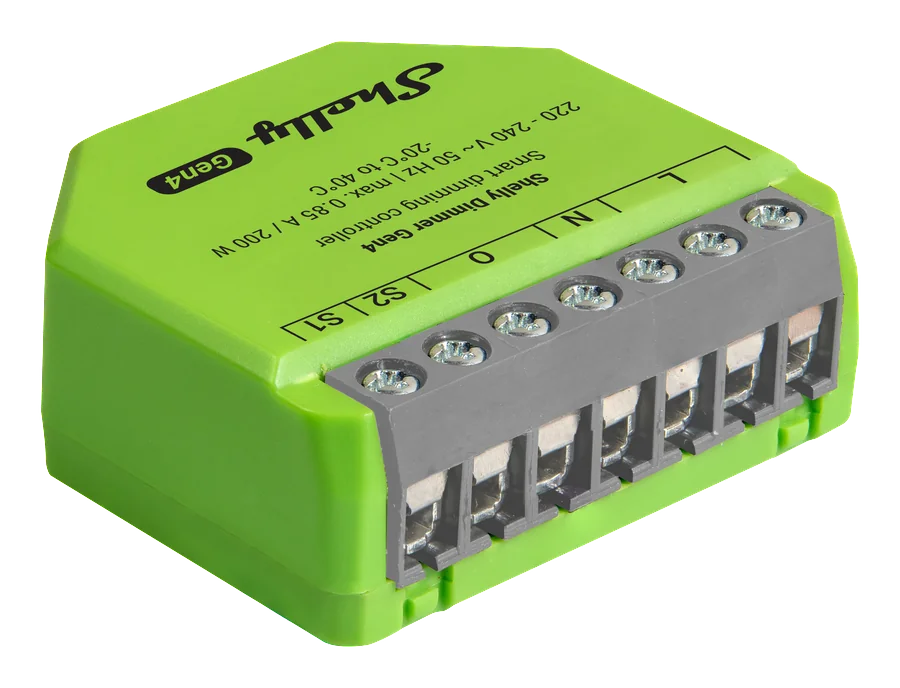
Flush-mounted. Works without a neutral.
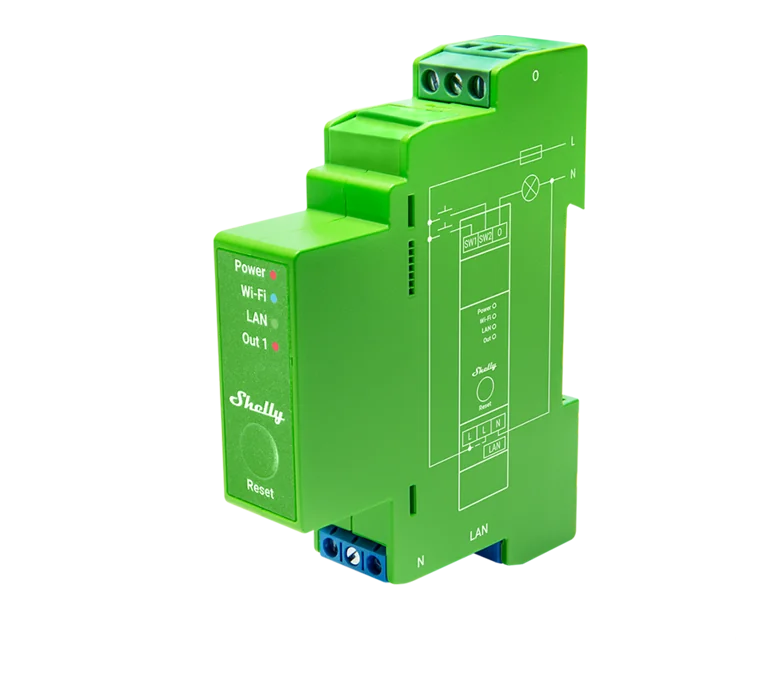
DIN rail in the board.
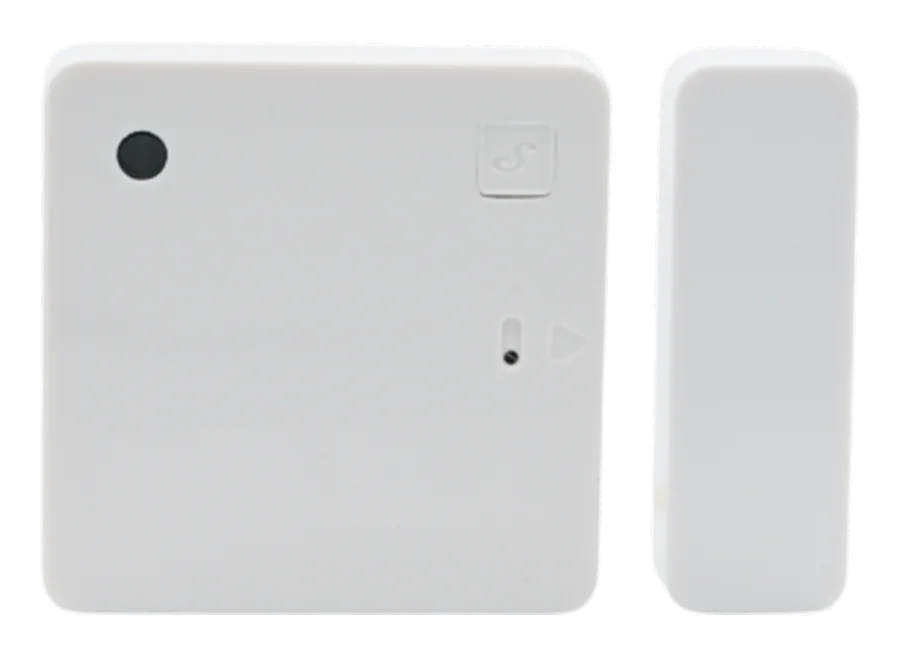
Turns the light on when the door opens.
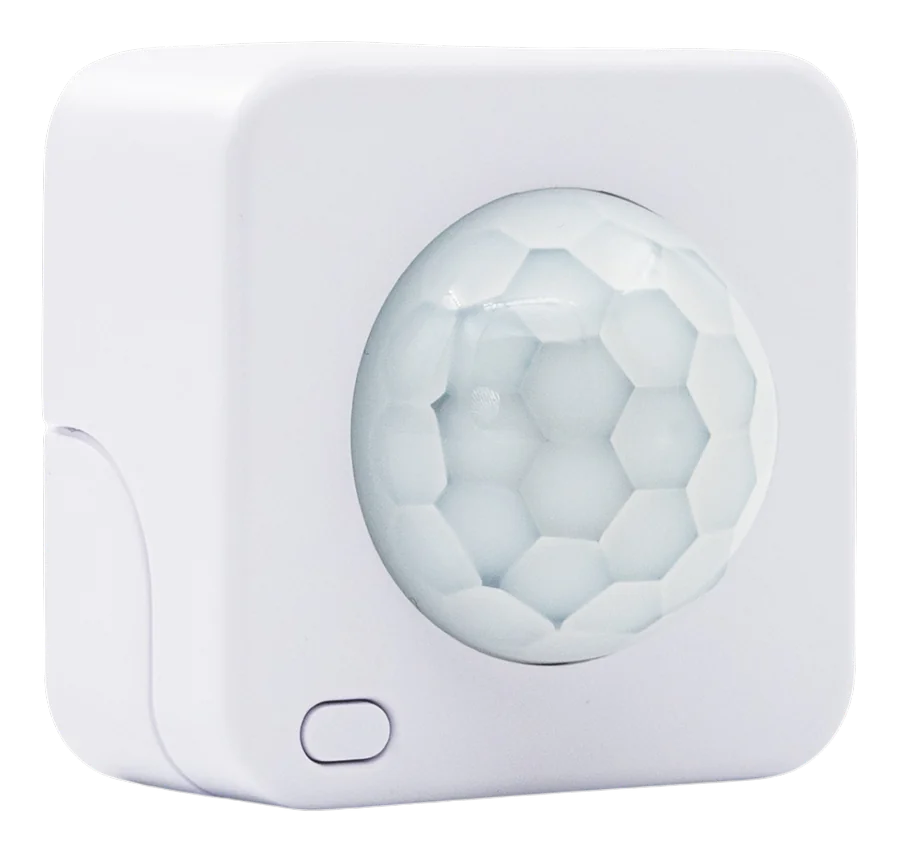
Switches on and off with motion.
2Lighting
Indirect light with LED strips
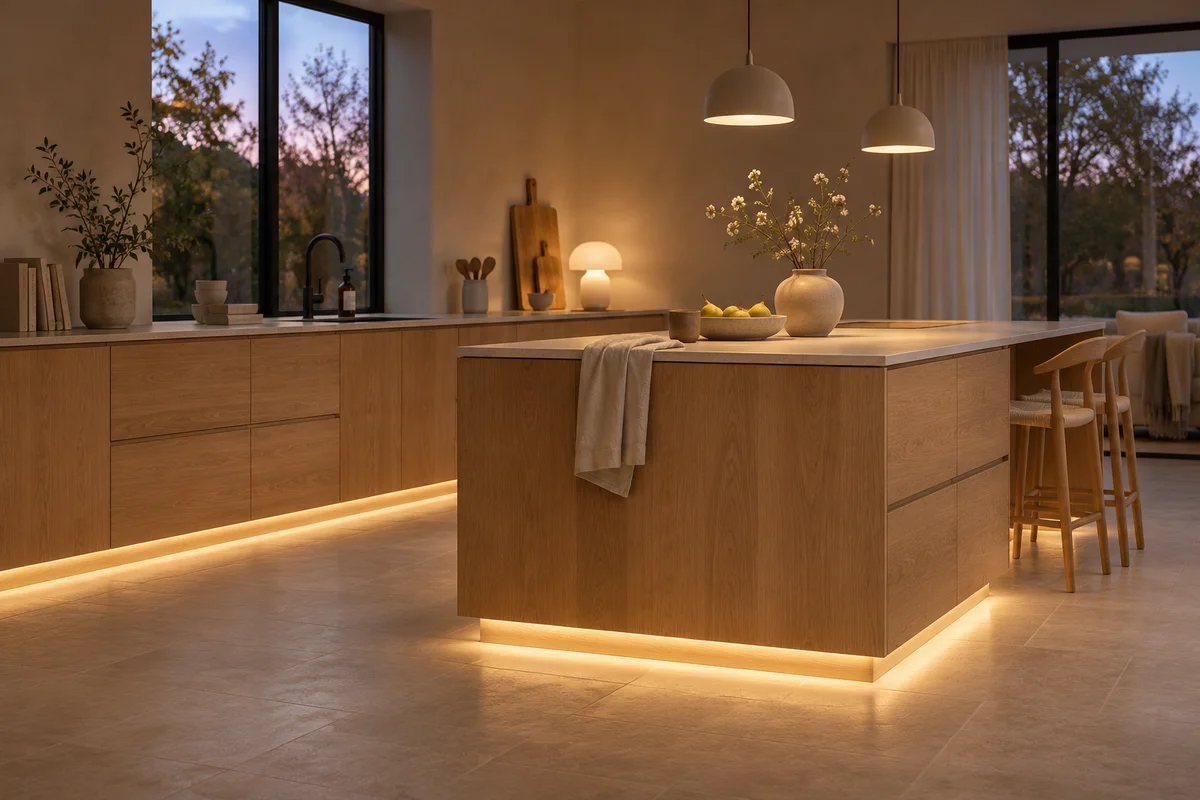
Plinth lighting in the kitchen, a lit niche in the bathroom, behind the TV or along the ceiling. LED strips add atmosphere for little money – and are perfect as a faint light in the evening and at night.
Think about where the power supply and controller go: no more than about 10 metres from the strip as a rule of thumb. Use a power supply that is not dimmable – the controller does the dimming.
What you get
- Warm and cool white to suit the time of day
- Coloured light when the mood calls for it
- Indirect mood lighting and a faint night light
Prepare during the build
- Space for a 12/24 V power supply and controller no more than about 10 m from each LED strip
- A cable route from the controller to the start of the strip
- A place you can get to: in a cupboard, above the kitchen units or in the board
Recommended devices
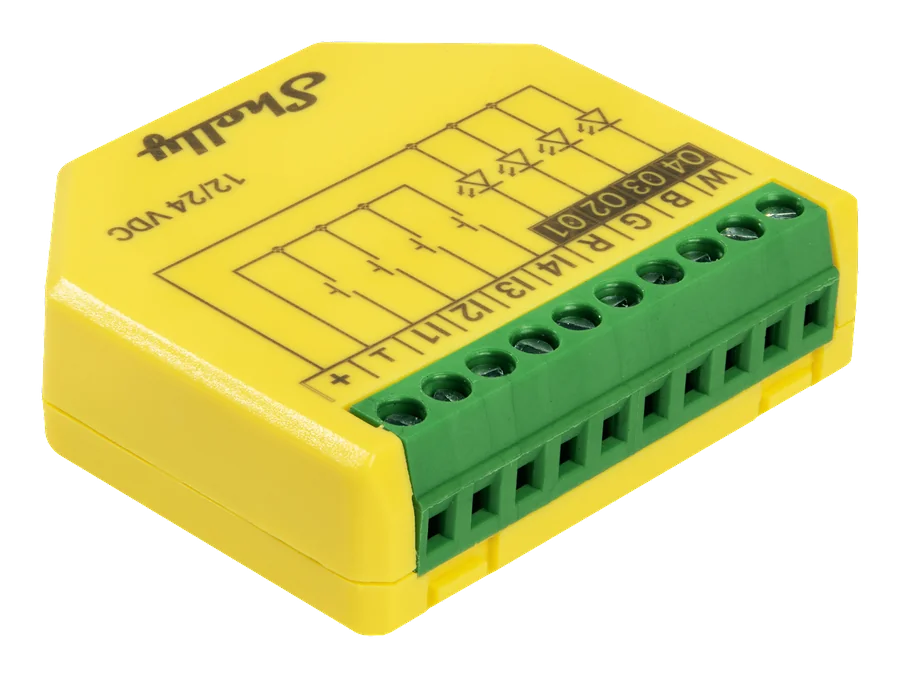
Flush-mounted. White, RGB and RGBW.
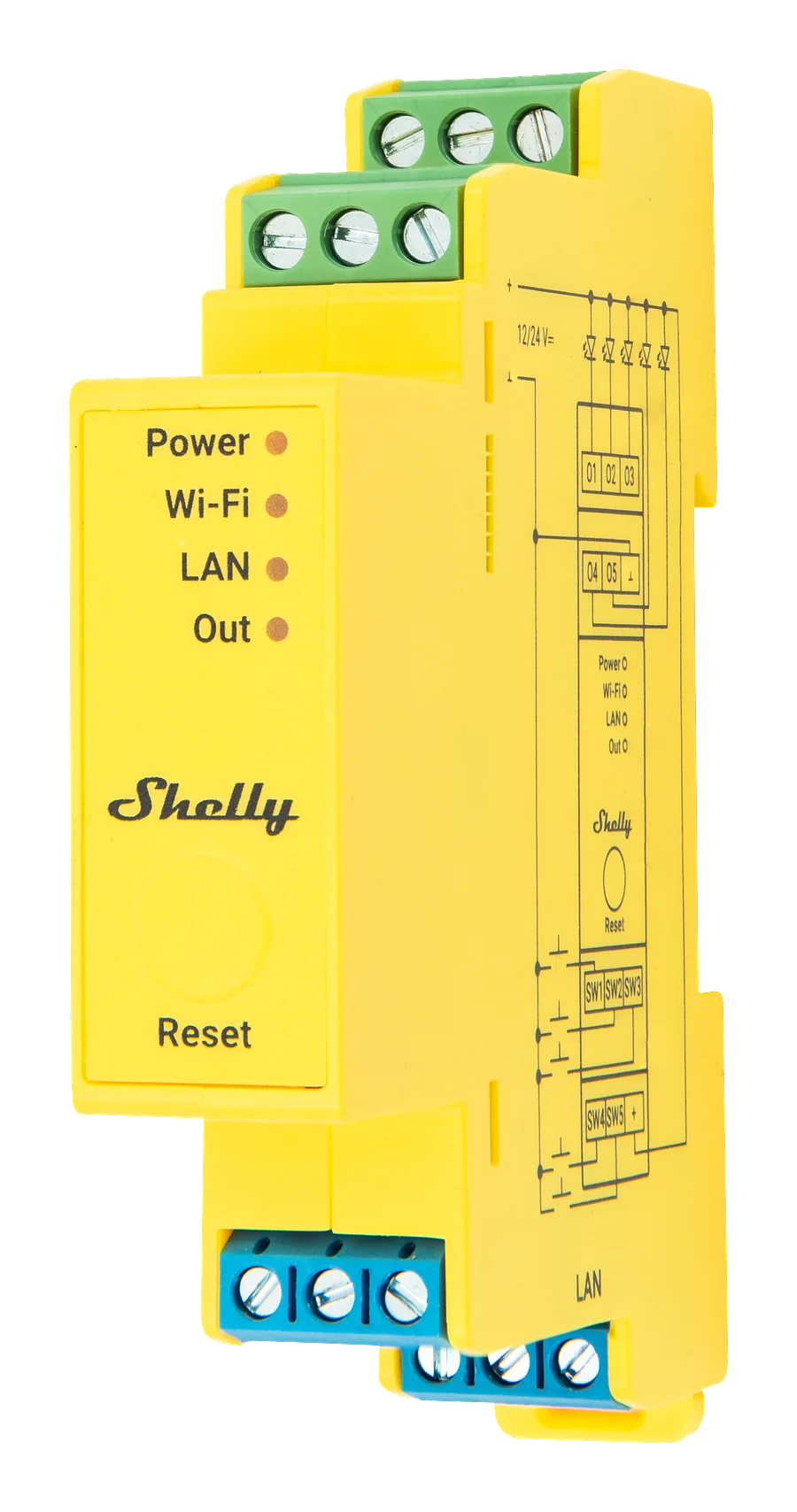
DIN rail. Also tunable white and RGBWW.
3Sun and windows
Awnings that keep the heat out
Big windows are wonderful – right up until the sun bakes the room. Let the awnings run out by themselves when a room gets too warm, and let a weather station keep them in when the wind picks up.
What you get
- Less heat gain from the sun
- Run the awning to exactly the position you want: 0–100 %
- The weather station keeps the awning in when it is windy

Prepare during the build
- A weatherproof box or outlet outside at the largest windows
- Cable to the board – or an accessible box for a flush-mounted device
- A spot for the weather station where it stands clear
Recommended devices
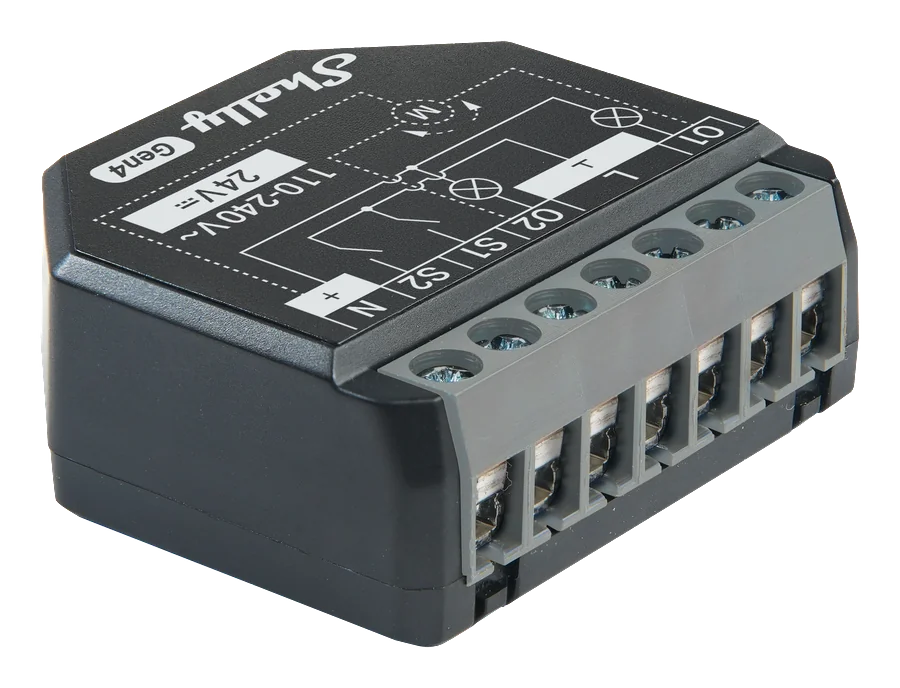
Flush-mounted.
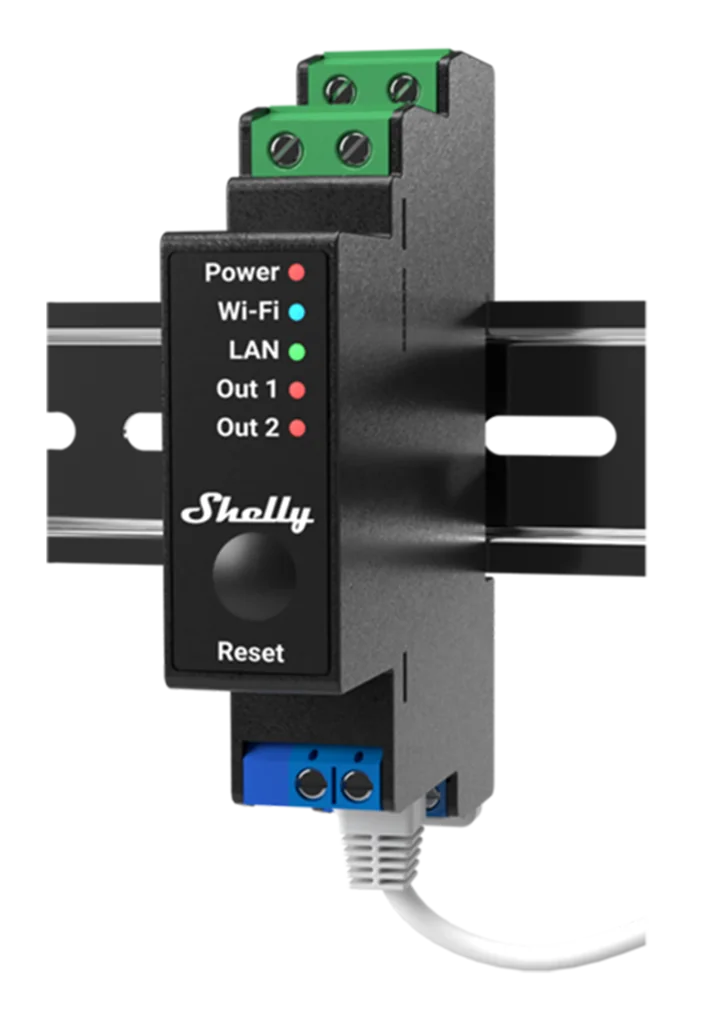
DIN rail in the board.
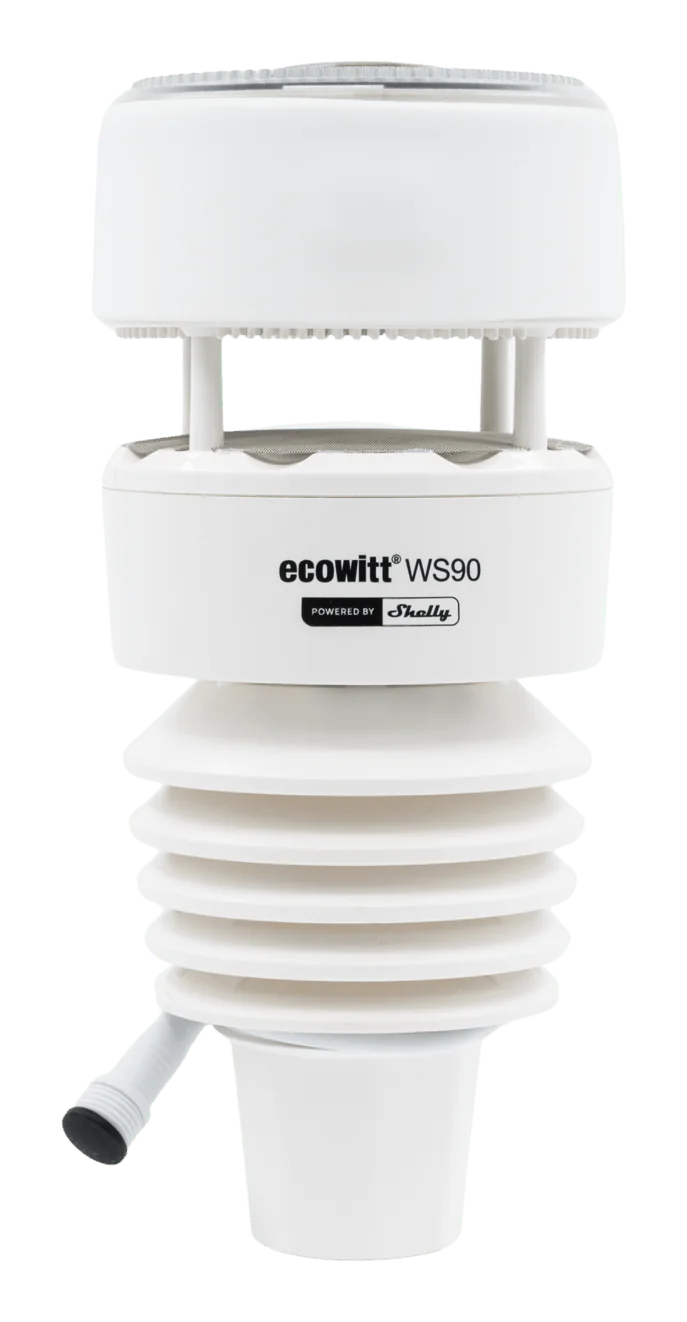
Measures wind, rain, light and temperature.
4Sun and windows
Motorised curtains and blinds
Put an outlet in the wall at every window. You do not have to use it from day one, but it is good to have the option the day you want motorised curtains.
If you run the cable to the board, it is easy to fit a Shelly Pro 2PM for each curtain. If you choose a flush-mounted Shelly 2PM Gen4, remember to find a place for it.
What you get
- Operated from wall buttons and touch screens
- One curtain at a time – or the whole house in groups
- Opens and closes by itself on a schedule

Prepare during the build
- An outlet at the top of every window
- Cable to the board (Shelly Pro 2PM) or an accessible box (Shelly 2PM Gen4)
- Up/down buttons at the most important windows
Recommended devices
Flush-mounted.
DIN rail in the board. One per curtain.
5Heating and energy
Underfloor heating in the same app as everything else
Shelly controls both water-based and electric underfloor heating – in new builds and major renovations it is almost always water-based. The big win is that the heating lives in the same app as the lights, the curtains and everything else.
What you get
- One app for all your solutions
- Automatic night setback and holiday mode
- Easy to change temperatures and schedules
- Turn the heat up remotely, so the house or the holiday home is warm when you arrive

Prepare during the build
- 230 V actuators on the underfloor heating manifold
- Space for a Shelly Pro 4PM at the manifold – one output per zone
- Agree where the room sensors go: 1.5 m above the floor, away from sun and outside walls
Recommended devices
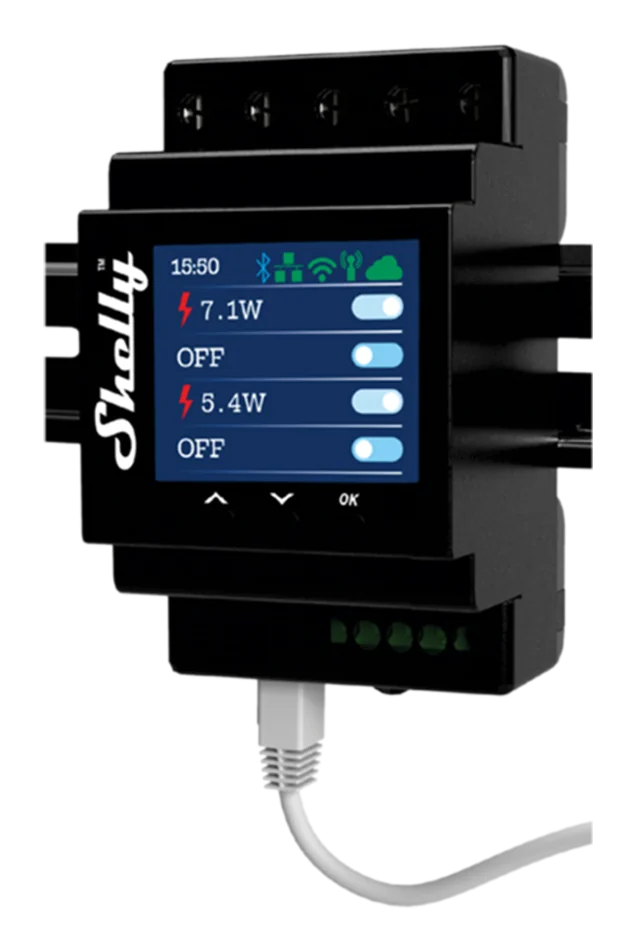
DIN rail. Four zones with 230 V actuators.
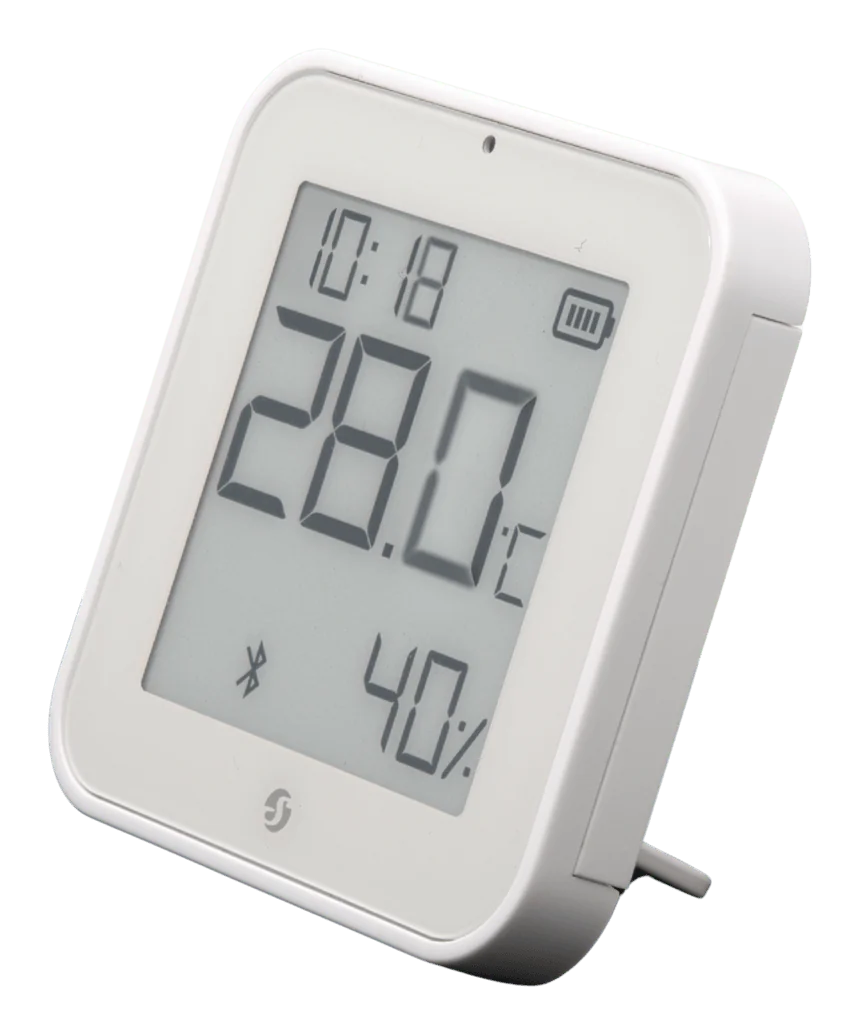
Battery-powered room sensor with a display.
6Sun and windows
Roof windows that air the house by themselves
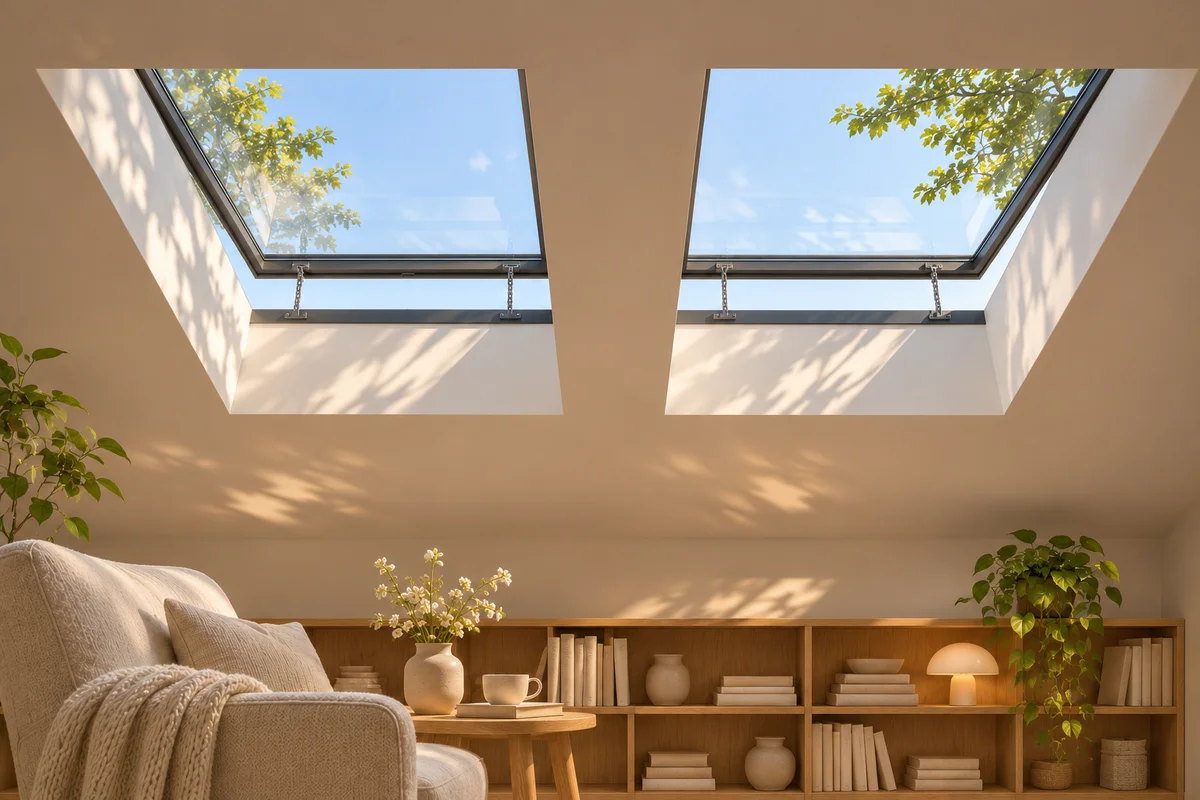
If your roof windows have 230 V motors, you can open and close them from the app, a button on the wall or a Shelly Wall Display. They can also look after themselves: open when you start cooking, when it gets too warm or when the house simply needs fresh air – and close again when the weather station reports rain.
What you get
- Airs out while you cook
- Opens when it gets too warm
- Fresh air when the house is full of guests
- Closes by itself when it starts to rain
Prepare during the build
- An outlet or cable at every roof window
- Choose windows with a 230 V motor
- A weather station, so the windows close when it rains
Recommended devices
Flush-mounted.
DIN rail in the board.
Closes the windows when it rains.
7Heating and energy
The car charges when electricity is cheap
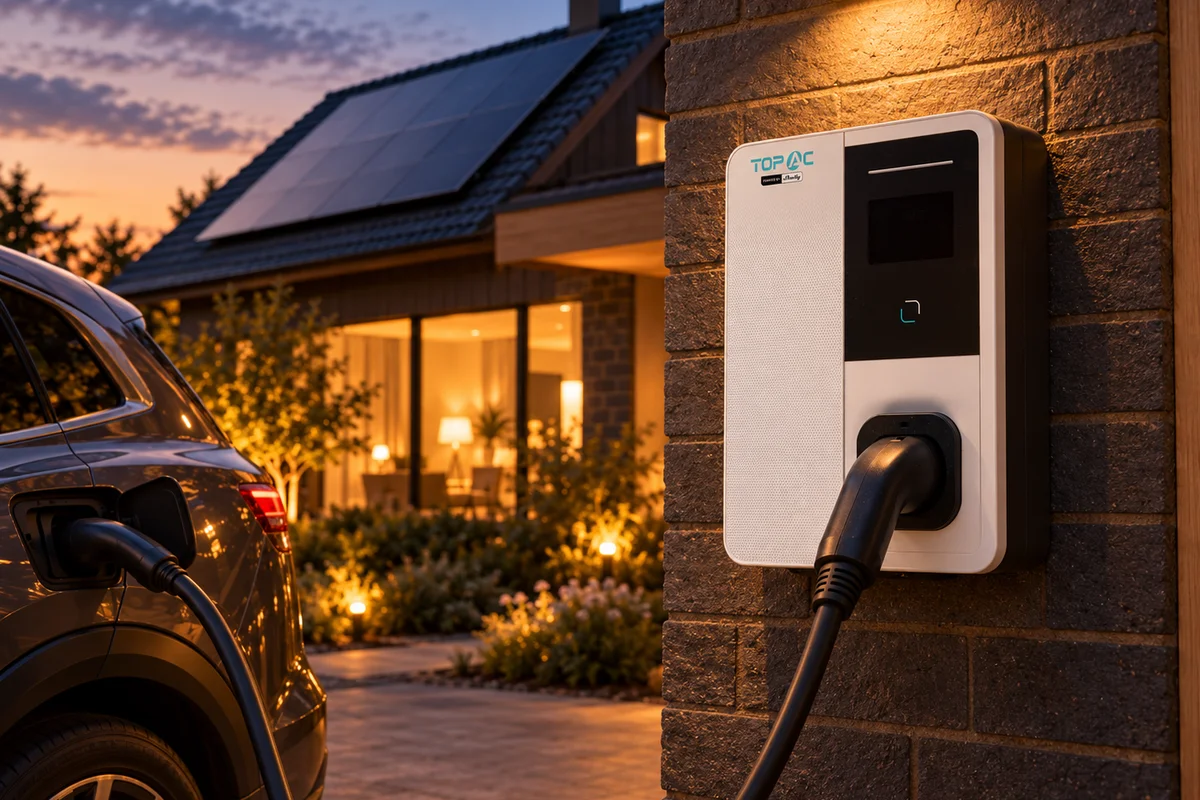
Prepare for a charger for an electric or hybrid car – even if the car is a couple of years away. With a Powered by Shelly charger you charge when electricity is cheap, or when your solar panels produce the most.
What you get
- Charges automatically when electricity is cheap
- Charges on the surplus from your solar panels
- Load balancing, so the main fuse holds
Prepare during the build
- A three-phase supply from the board to where the charger will sit
- A circuit of its own for the charger in the board
- A three-phase energy meter on the main supply for load balancing
Recommended devices
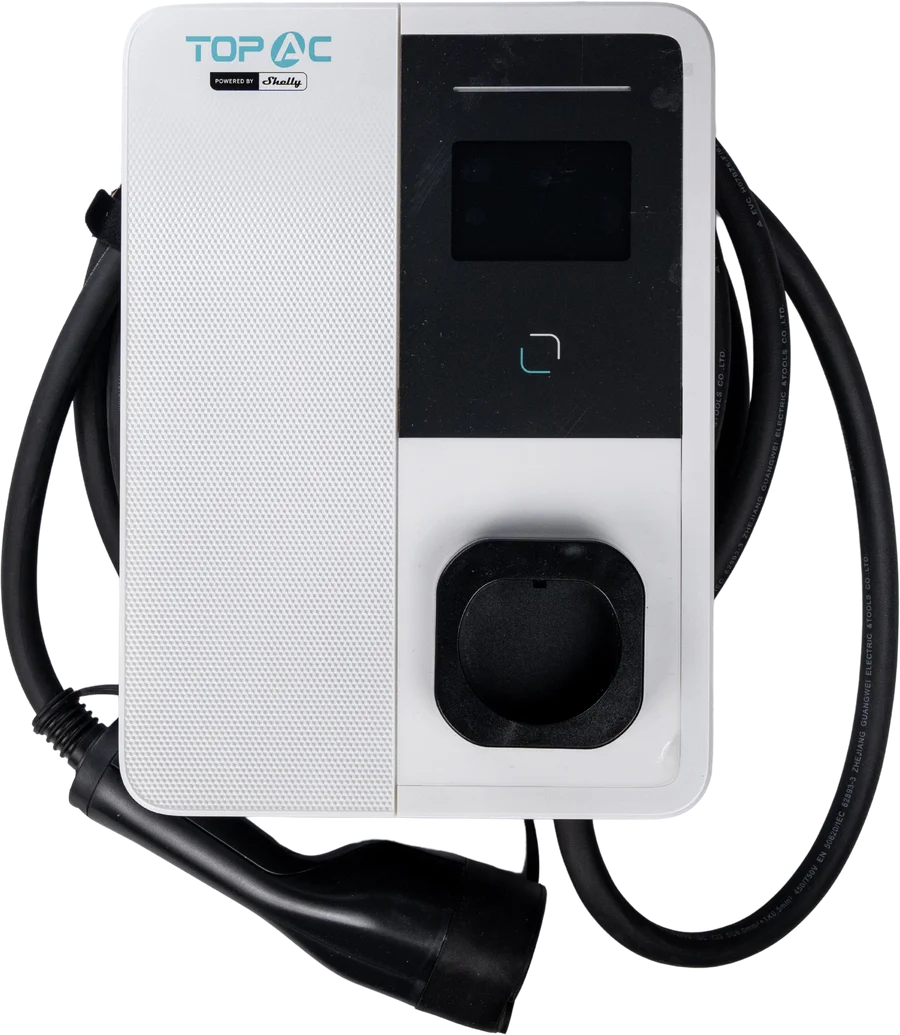
Wall-mounted 22 kW charger. Powered by Shelly.
Powered by Shelly.
8Heating and energy
See where the electricity goes
With a three-phase energy meter in the distribution board you follow the whole home's consumption – live and back in time. Put meters on the large three-phase loads too, and let the app split the consumption into categories so you can see what uses the most.
You can hold consumption up against current electricity prices and see what the electricity has cost. If you have solar panels, the meter shows production as well, so you can use the electricity yourself instead of sending it to the grid.
What you get
- Live consumption
- History for at least 5 years
- Consumption split into categories
- Metering of solar production
- Automations that use the electricity while you produce it
- Load balancing together with Powered by Shelly chargers
Prepare during the build
- Space in the board for a three-phase meter on the main supply
- Extra meters on solar panels, the heat pump and other large loads
- A network socket at the board
Recommended devices
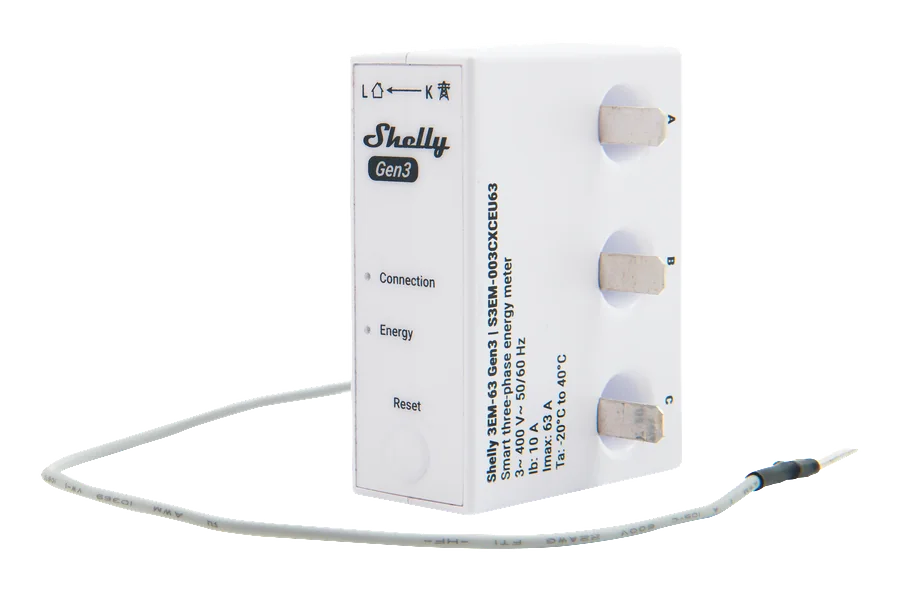
DIN rail. Measures directly up to 63 A.
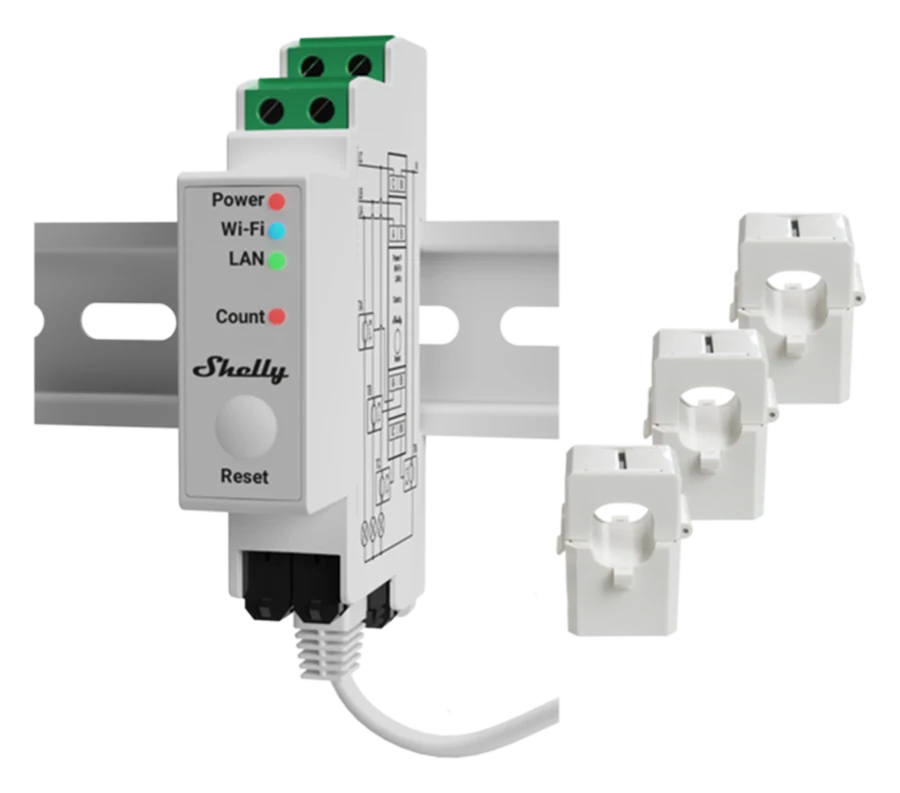
DIN rail. Measures with current clamps up to 120 A.
9Safety and access
The garage door on your car's screen
If you have a motorised door, Shelly can control it. Open and close from a button on the wall, a battery button, a Shelly Wall Display or the app – and straight from Apple CarPlay and Android Auto as you roll into the drive.
What you get
- Open and close the door wherever you are
- Control from Apple CarPlay and Android Auto
- See whether the door is open

Prepare during the build
- 230 V and space for a Shelly at the door operator
- Choose a door operator with an input for an external push-button
Recommended devices
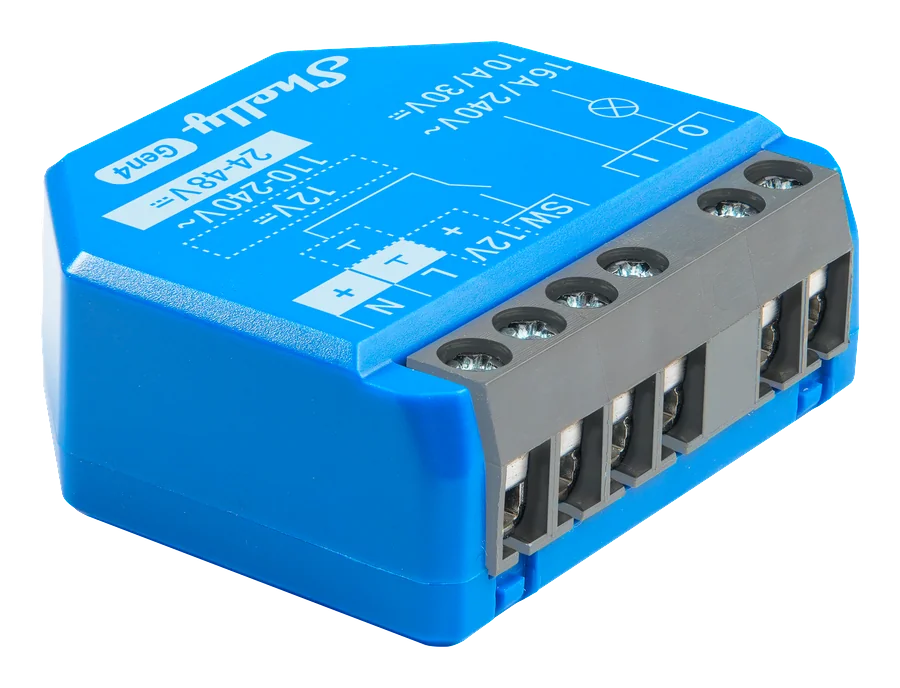
Dry contact for the door operator's push-button input.
Shows whether the door is open. Alternative: Shelly Plus Add-On with a reed switch.
10Safety and access
Cameras that tell you what happened
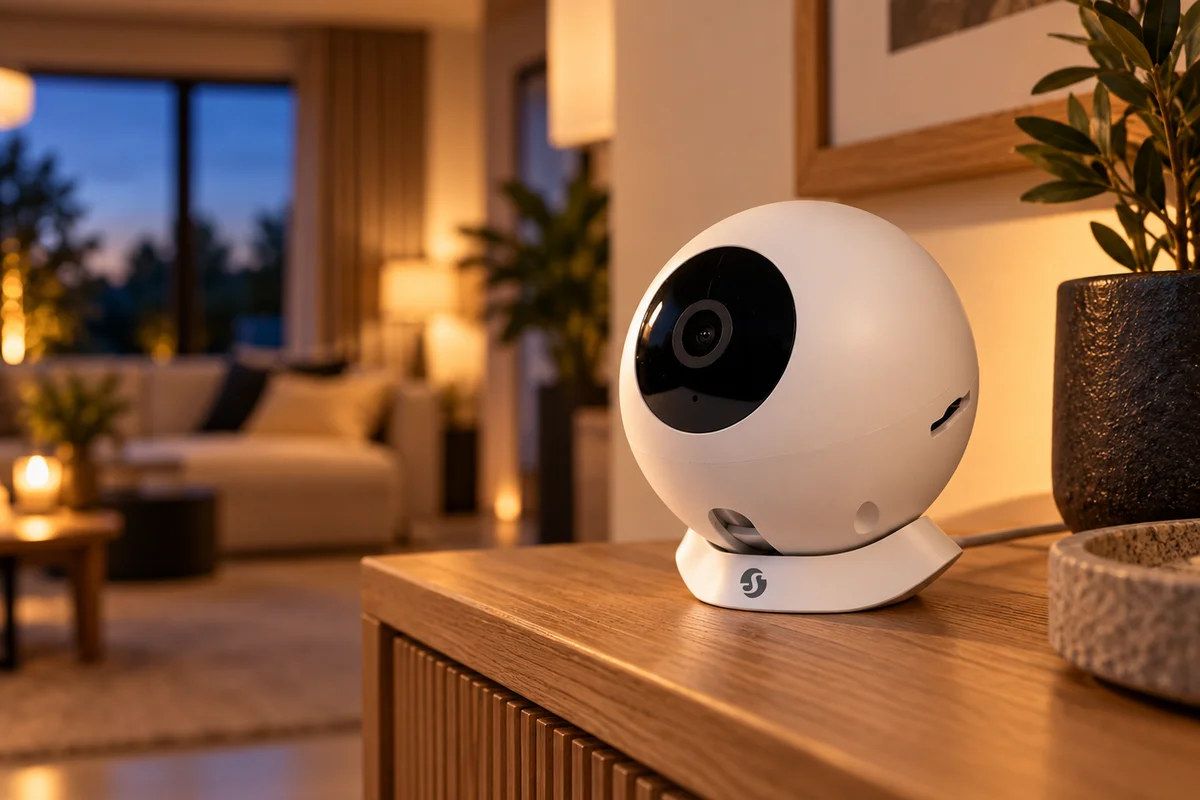
Shelly cameras notify you when there is activity in or around your home while you are away. The AI recognition tells people, pets and vehicles apart, so you learn what happened – not just that something moved.
Run network cables out to the eaves where you want outdoor cameras. Indoors we recommend USB-C outlets high on the wall where the cameras will sit.
What you get
- Notifications for people or cars
- Privacy mode: the cameras switch off when you come home
- The cameras are part of your alarm zones
- Recordings on a microSD card or in an EU-based cloud
Prepare during the build
- Network cable (PoE) in the eaves at every outdoor camera
- USB-C outlets near the ceiling for indoor cameras
Recommended devices
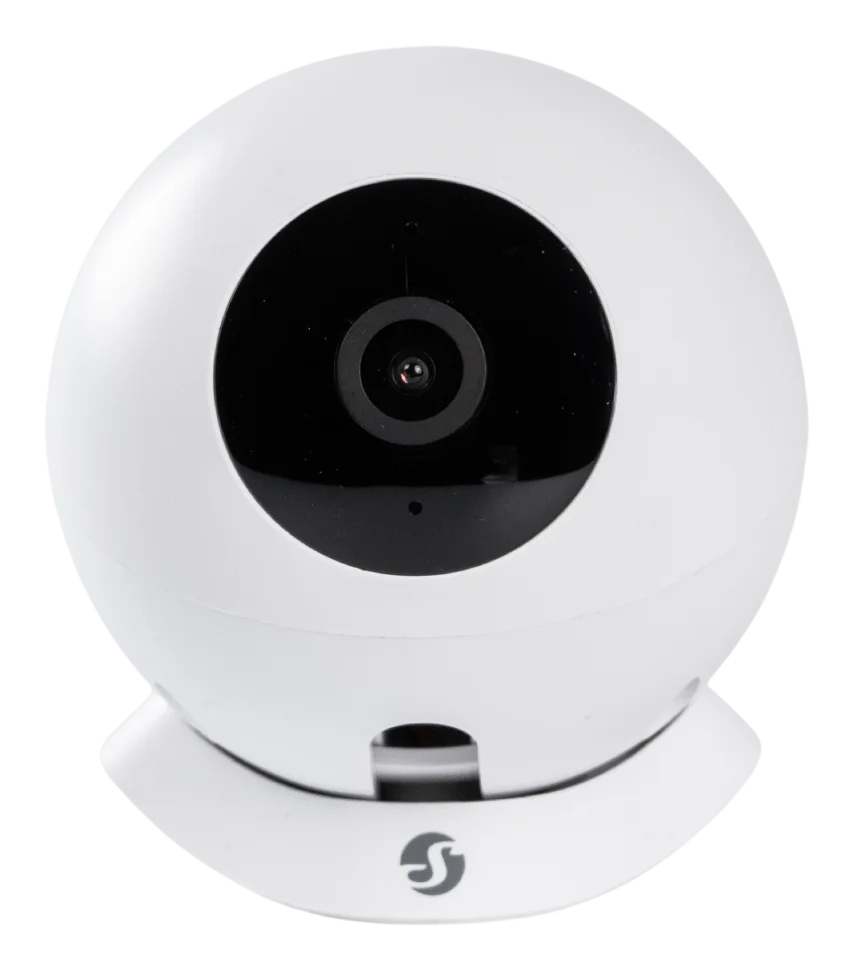
Indoor. Powered by USB-C.

The same camera in black.
Outdoor. Powered over the network cable (PoE).
11Control and comfort
Touch screens – the little extra
Screens are optional, but they are what gives the wow factor. They come in three sizes from 4 to 10.1 inches, and all three fit in a single European back box – preferably at eye level.
A screen is not a replacement for your wall buttons. Ordinary buttons make the house easy to use for everyone, guests included. The screen is the extra: control Sonos, heating, lighting and shading, and keep an eye on the electricity consumption. Put the large screens in the rooms you use most – the kitchen, for example – and the small ones in the hall and the bedroom, so it is easy to arm the alarm and switch everything off at once.
What you get
- Your favourite devices and groups at hand
- Arm and disarm alarm zones
- Start scenes with one touch
- Control your Sonos speakers
- Keep an eye on sensors and consumption
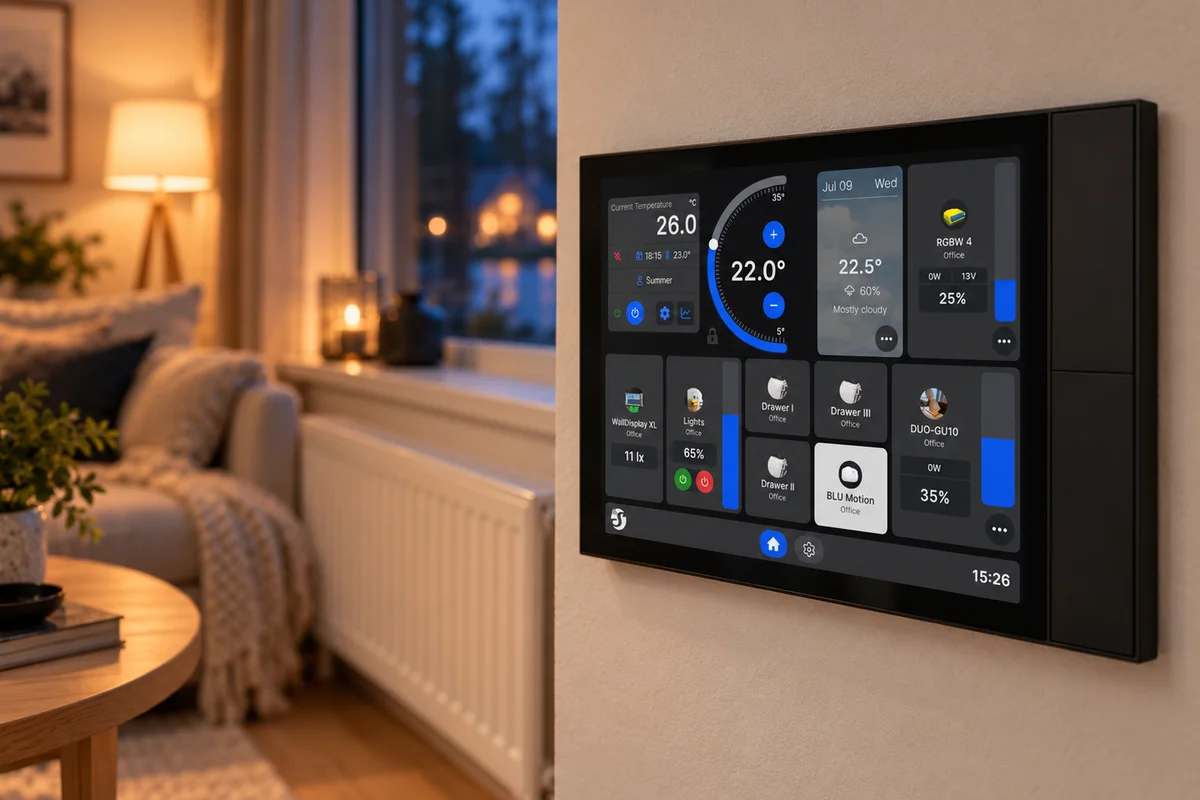
Prepare during the build
- A European back box with 230 V at eye level where the screens will sit
- Large screens in the kitchen and living areas, small ones in the hall and bedroom
- Keep the ordinary wall buttons next to them
Recommended devices
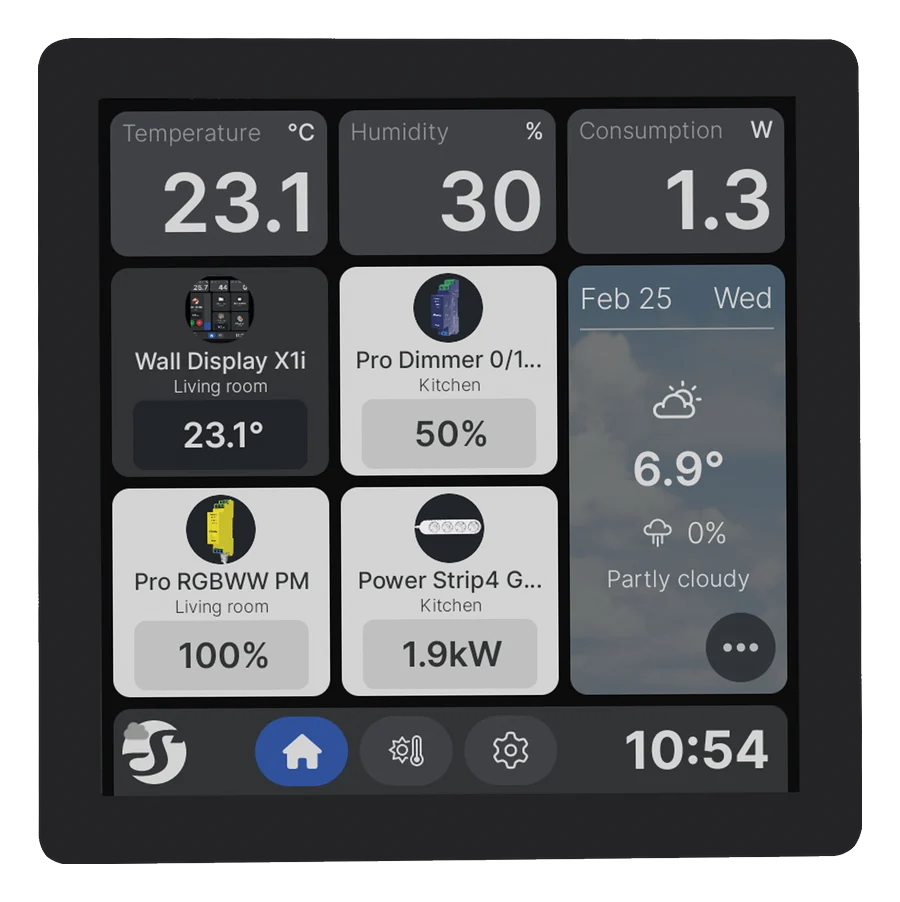
The small one. For the hall and bedroom.
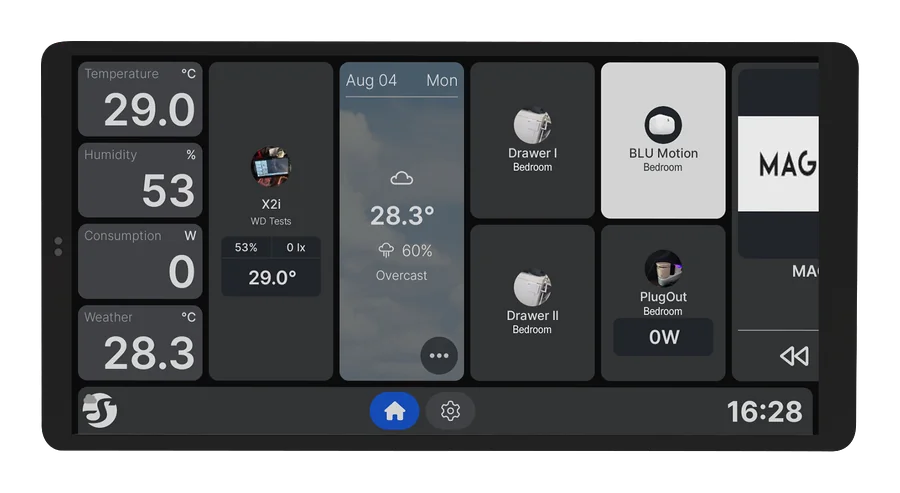
The medium size.
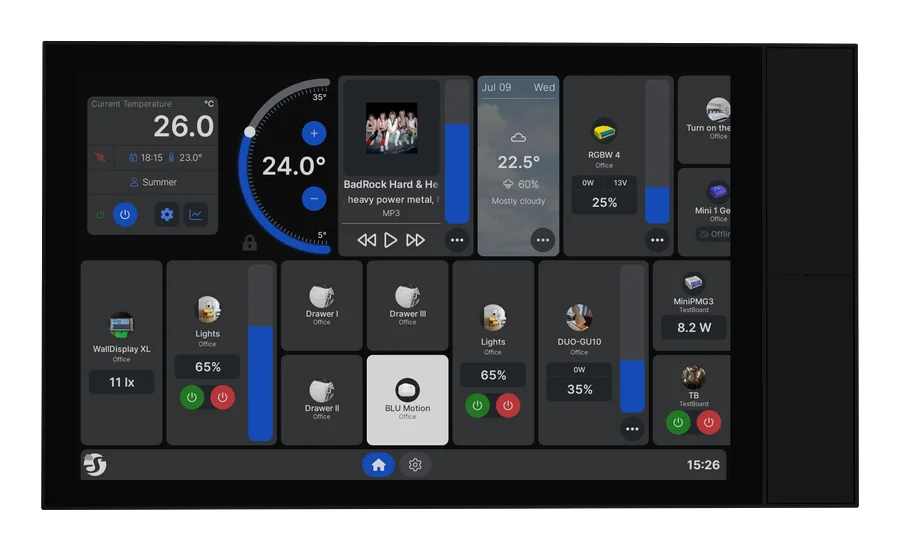
10.1 inches. For the kitchen and living areas.
12Heating and energy
Circuit breakers that speak up
Shelly's smart circuit breakers can be switched off and on remotely. Cut the standby consumption when the house is empty – and more importantly: get a message straight away if a circuit trips because of an overload or a short circuit.
Together with Shelly's smoke and flood sensors, the breakers can cut the power by themselves when something is wrong. A breaker that has tripped on a fault, or been switched off by hand, has to be switched on again at the board.
What you get
- A message if a circuit trips
- Cut standby consumption when you are away
- Cuts the power on smoke or a leak
- Over- and undervoltage protection
Prepare during the build
- Choose the circuits that get a smart breaker
- Space and a network socket in the board
Recommended devices
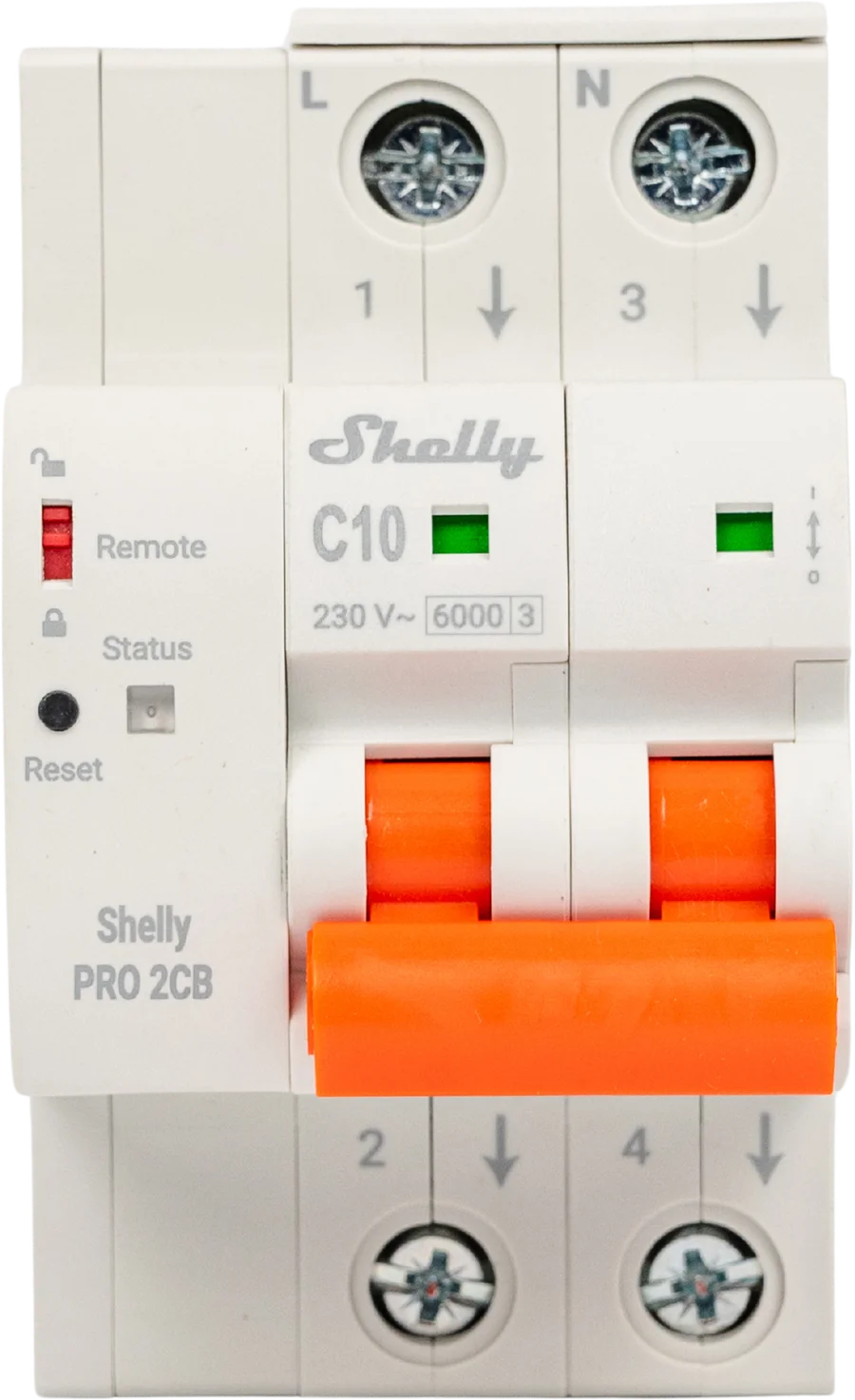
2-pole. Also available as C16 (EAN 3800238073992).
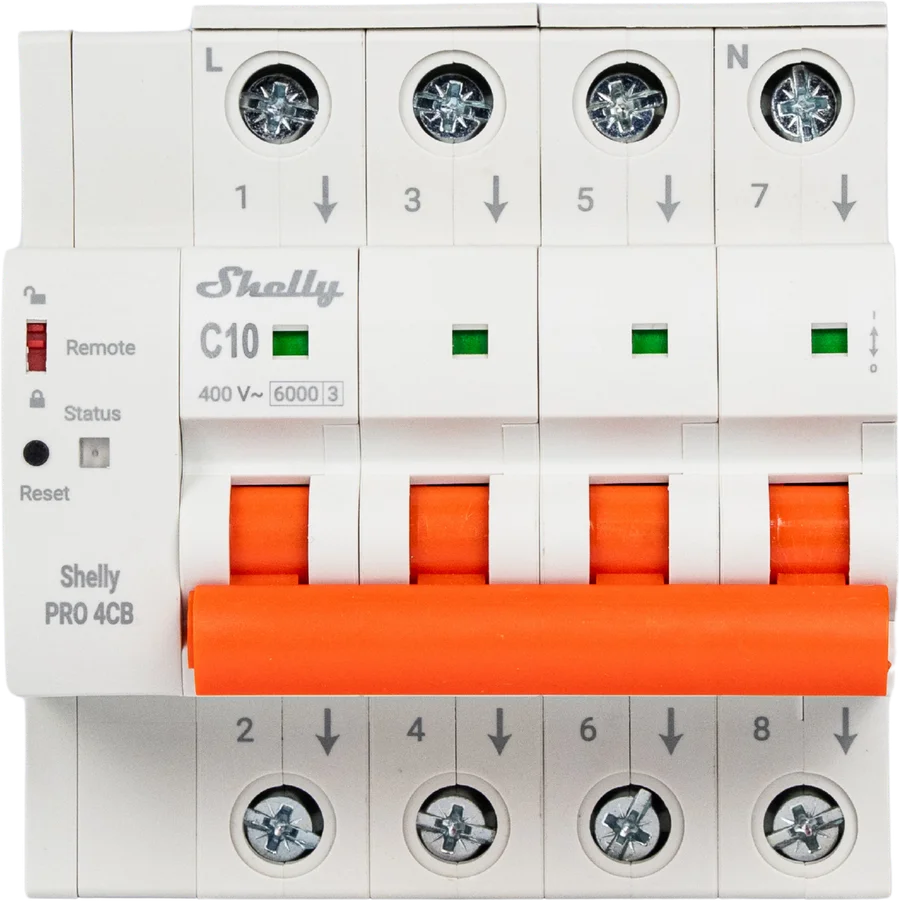
4-pole. Also available as C16 (EAN 3800238074111).
13Control and comfort
The house knows you are there
An ordinary PIR sensor does not see you when you sit still. Shelly Presence Gen4 does. It keeps the mood lighting on for as long as you sit on the sofa watching a series, turns on the path light to the bathroom when you step out of bed at night – or tells you when the children get up.
The sensor follows up to 6 people and can be divided into 10 zones, each driving its own automation. It is mains-powered, so there are no batteries to change.
What you get
- Sees you even when you sit completely still
- Automations based on how many people are in the room
- Up to 10 zones in the same room
- Built-in light sensor – the light only comes on when it is dark enough
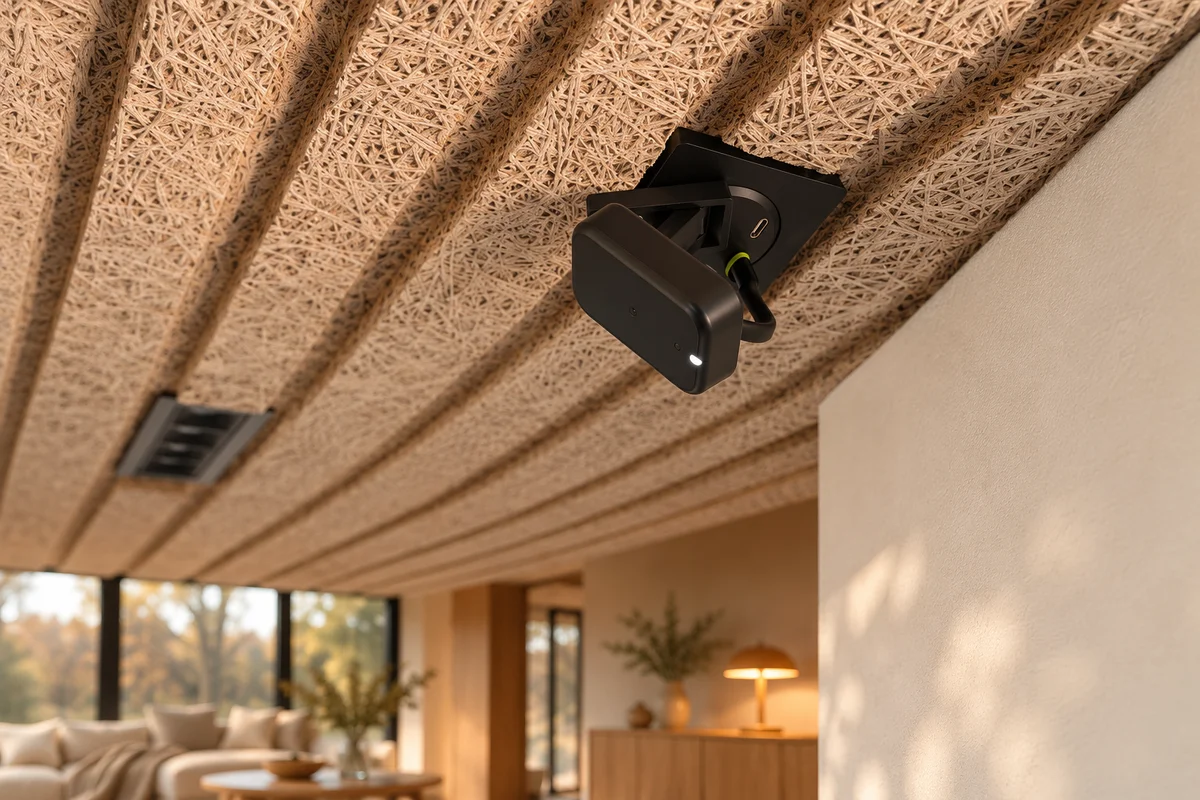
Prepare during the build
- A USB-C outlet on the wall near the ceiling in the rooms that get a sensor
Recommended devices
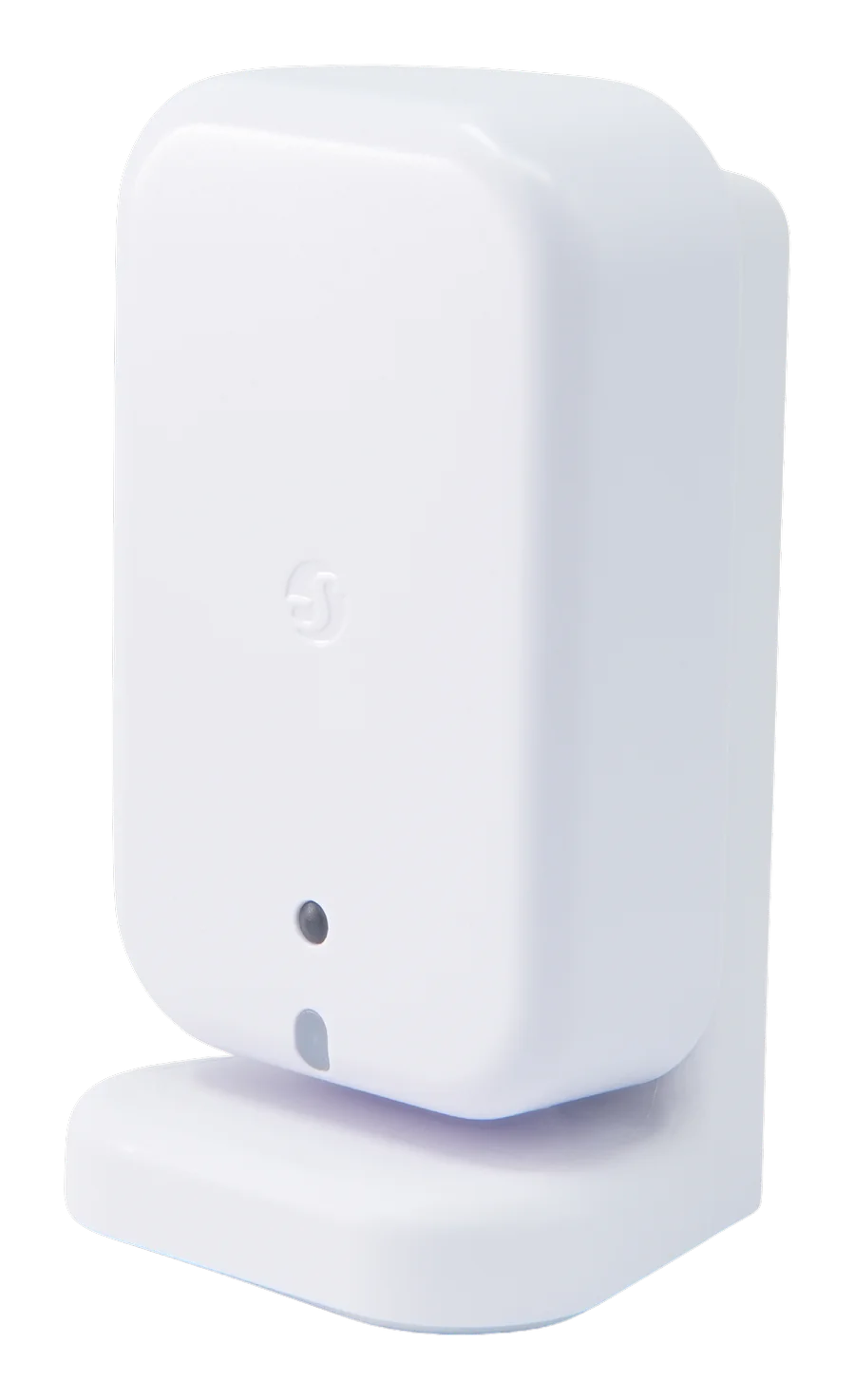
Powered by USB-C.
14Safety and access
Sleep safely – and leave home safely
Sensors that watch for smoke, water and open doors give peace of mind, both when you sleep and when you are away. They are battery-powered, so you can easily fit them yourself.
Door, window and motion sensors are part of alarm zones and notify you if something opens or moves while the house is empty. Smoke alarms and flood sensors notify you of an accident – and can cut the power or shut off the water at the same time, so the damage is smaller. You are notified by push message and e-mail.
What you get
- A message on smoke, water and open doors
- Alarm zones you arm when you leave
- Automations that cut power and water in an accident
- Battery-powered – no cables
Prepare during the build
- The sensors are battery-powered and need no cables
- To shut off the water automatically: space and a socket at the main stopcock for a motorised valve
Recommended devices
Doors and windows.
Motion.
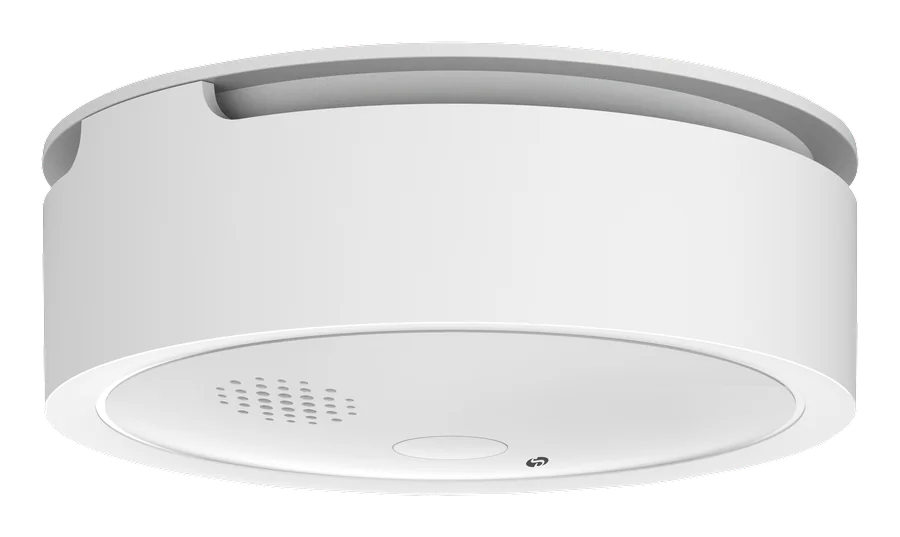
Smoke alarm.
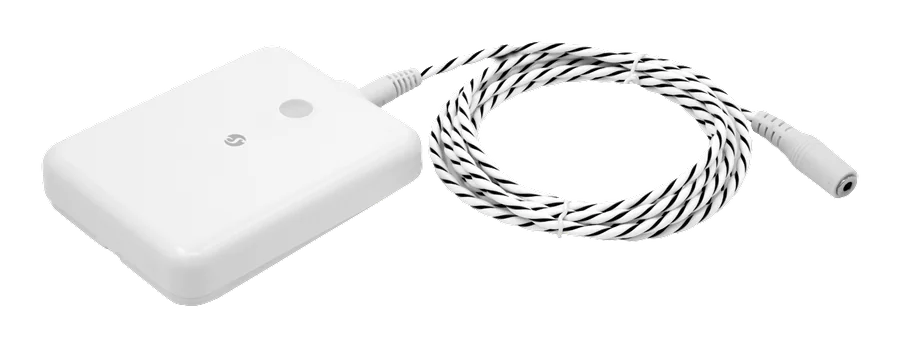
Flood sensor.
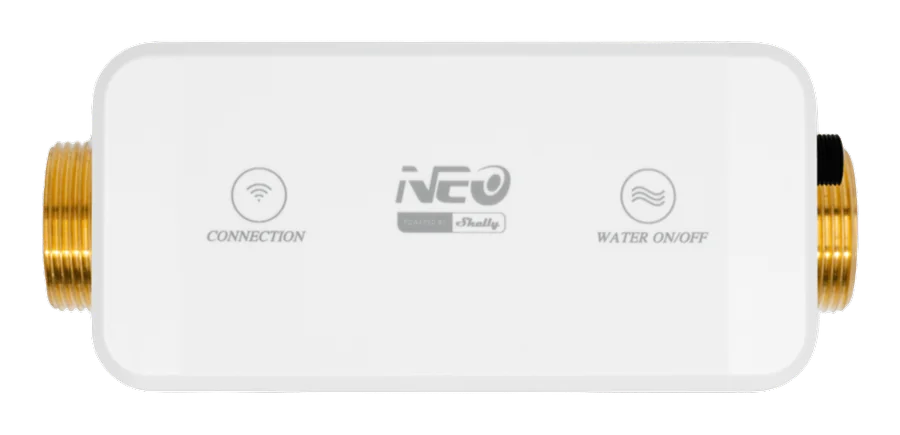
Shuts off the water on a leak.
My plan for the electrician
Tick the solutions you want – or want to prepare for later. We collect one list of everything that has to be thought in while the walls are still open.
You have not picked any solutions yet. Press “Add to my plan” on the ones you want to include.
Made on shelly.guide. Talk to a licensed electrician about the final solution.
Ready for the next step?
Take the plan to your electrician – or find one who already knows Shelly.